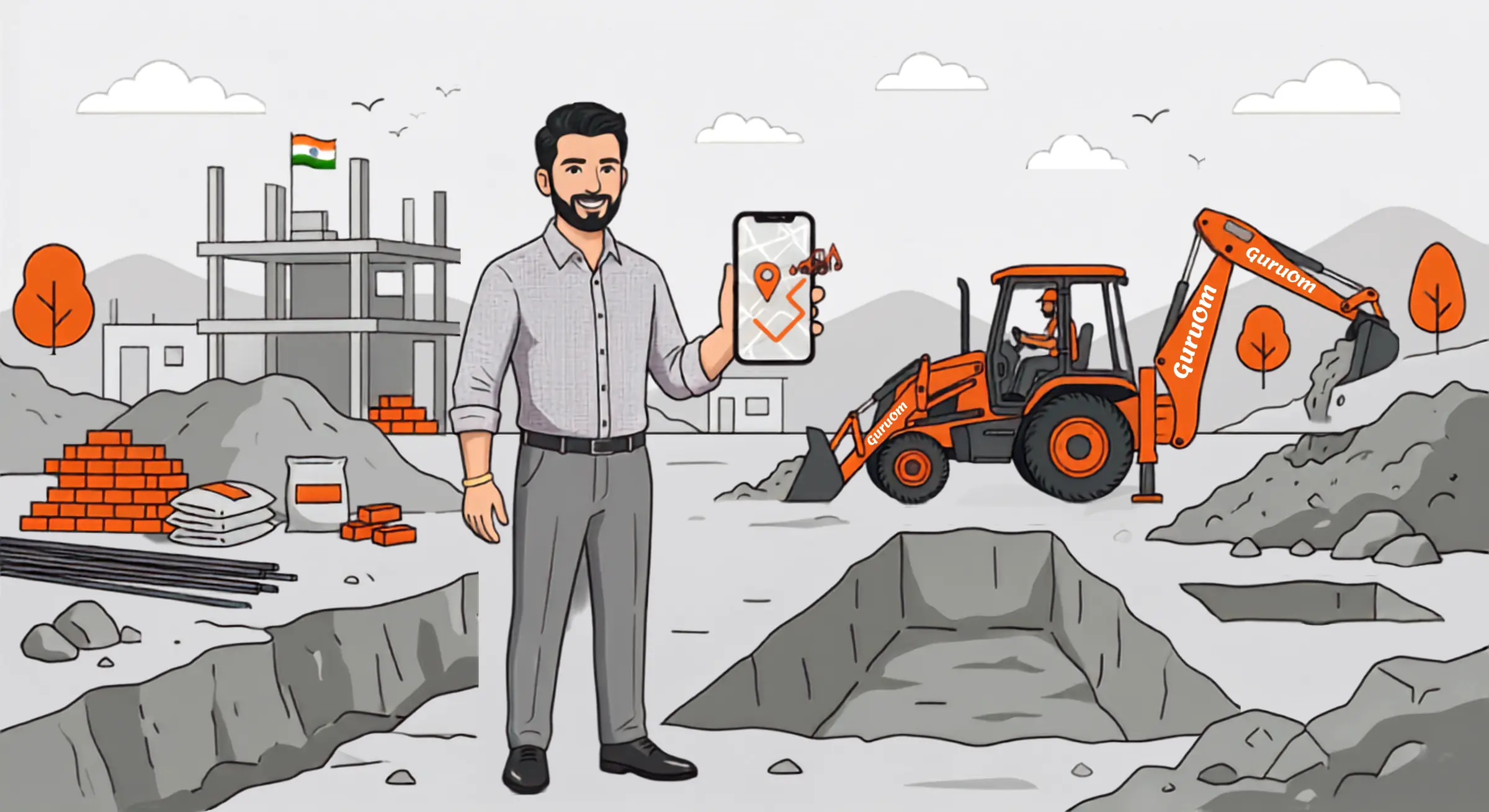
Get a JCB at your location.
in minutes
No calls.
No hassle.
No waiting.
No uncertainty.
Just open GURUOM and your JCB is on the way.
How to Book
Experience the simplest way to get a JCB backhoe loader to your site.
Download & Open
Get started by downloading the GuruOm app from the App Store or Google Play — just search "GuruOm Book JCB Now" and install it. Open the app, log in with your mobile number, and you're ready to book.
Set Your Location
Select location where you need Jcb — drop a pin exactly where you need Jcb
Choose Duration
Choose exactly for how much time you need the JCB backhoe loader for your site.
Confirm & Track
Confirm your booking and track the Jcb's arrival in real-time — watch your JCB approach on the live map with minute-by-minute updates.
Work in Progress
The machine begins the work, and the app tracks active working time precisely. Work starts only after Secure Code/OTP verification, for safety and precision.
Pay Directly
Once completed, pay the JCB owner directly.
Flexible Booking
Book a machine according to your time and location, and get it instantly.
Map Tracking
Once your order is confirmed, see exactly how far away your JCB is and watch it head straight to your site.
Verified Machines
Every JCB machine on GURUOM is thoroughly verified with documented checks.
Secure Code
Start your work by giving the Secure Code/OTP to the JCB owner once they've physically arrived at your location.
Time Recording
Transparent digital log of machine hours ensures you pay exactly for the work performed, not a minute more.
Live ETA
Dynamic time estimates based on real-world traffic and distance ensures your site is never left waiting.
Ready to Book Your First JCB?
Join thousands of contractors and project managers who save time with GURUOM.